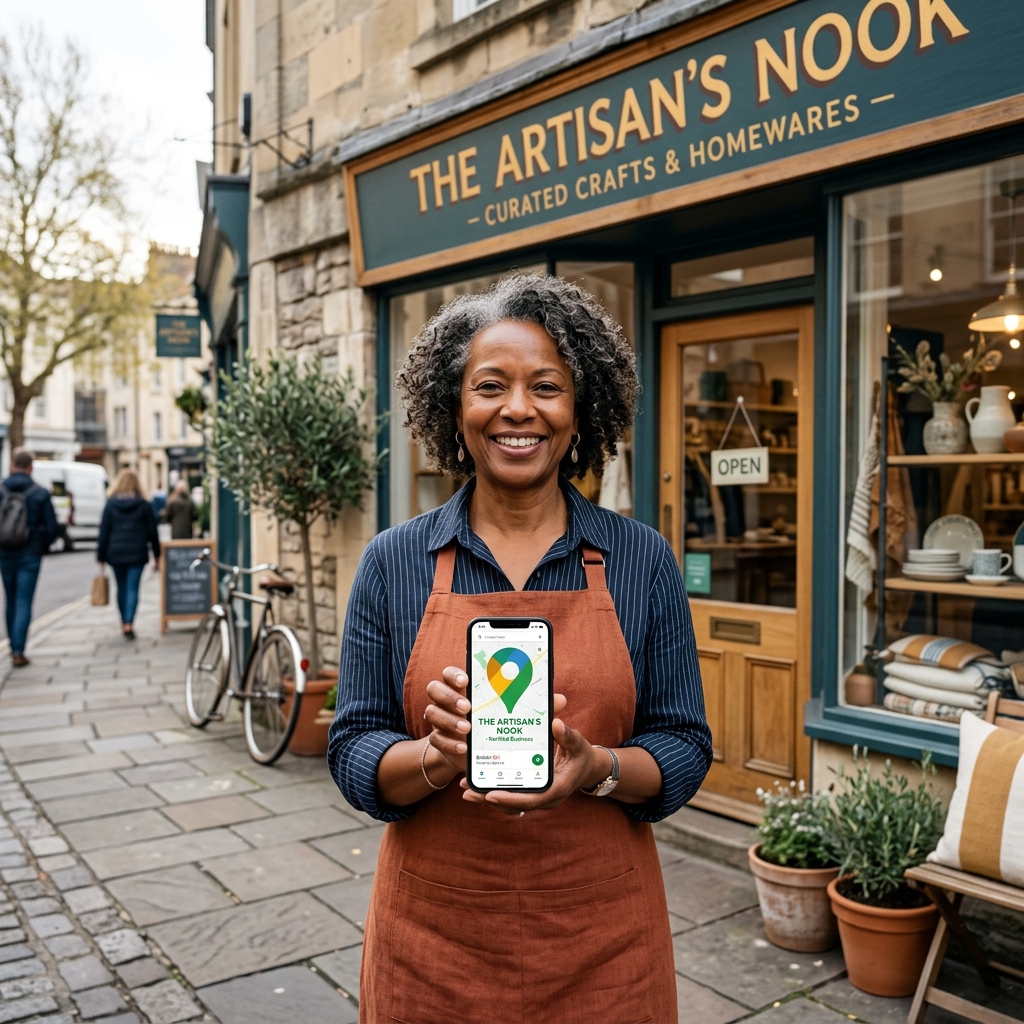
Why Google Business Profile is Critical for Local Success
For local enterprises, the search engine landscape is split in two. There is the standard web index, and then there is the local map pack. Google Business Profile is the direct gateway to the latter. When Google detects local intent behind a query—like "web design agency near me" or "digital marketing services London"—it prioritises the local map pack at the top of the search results page. Research indicates that the top three map pack listings capture between 33% and 44% of all local search clicks, sitting above organic rankings and below paid ads. If your business is absent from these three spots, you are missing out on almost half of the local organic traffic in your market. To learn how this fits into your wider traffic goals, check out our local SEO blueprint.
The beauty of local intent traffic is its conversion rate. Unlike national or informational queries where users are looking for resources or guides, local searchers are typically in the final stages of the buying cycle. Google Consumer Insights data shows that 76% of consumers who search for a local business on their mobile device visit a physical store or contact a service provider within 24 hours, and 28% of those visits result in a purchase. A well-optimized Google Business Profile captures this high-intent interest directly at the point of decision, channeling calls, directions, and website visits straight into your sales pipeline.
Moreover, a complete, active profile acts as an immediate trust builder. In an era where online scepticism is at an all-time high, customers look for immediate indicators of legitimacy. A profile that features recent reviews, up-to-date photos of the facility and staff, and transparent business hours signals to Google and consumers alike that the business is operational, reliable, and active. Complete Google Business Profiles are 2.7 times more likely to be considered reputable by consumers, which directly impacts click-through and conversion rates. When you combine this prominence with our wider digital agency services, you build an unstoppable digital front for your local market.
Step-by-Step Profile Set Up & Verification
Creating your profile begins with claiming your business listing. Navigate to Google's official business portal and search for your business name. If a listing already exists under your brand name, you must claim ownership rather than creating a duplicate, as duplicate listings for a single business location violate Google's guidelines and can lead to immediate suspensions. If no listing exists, you can create one by entering your exact business name. Make sure the name matches your legal trading name exactly—do not inject keywords like "London Digital Marketing Agency" into the name field unless it is part of your official registered name, as Google's automated systems frequently suspend new listings that attempt to game the system this way.
Once the profile is claimed or created, Google requires verification to prove your physical connection to the location. Google offers several verification methods, and the options available to you depend on your industry and account history. The traditional method is postcard verification, where Google mails a 5-digit code to your physical address, arriving in 5 to 14 business days. Other methods include phone or SMS verification, email verification, and the increasingly mandatory video verification. Video verification requires you to record a continuous, unedited video showing your business location (street signs, nearby landmarks), your business equipment or inventory, and proof of management (such as unlocking the office door or using your point-of-sale system).
Initial configuration is where you set the foundation for your local visibility. You must define whether you are a storefront business—serving customers at your physical address—or a service-area business (SAB). If you are an SAB operating from home or a mobile office (e.g., plumbers, cleaners, consultants), you should hide your physical address from the public and define a service radius. You can specify up to 20 service areas, defining them by cities, counties, or postal codes. Ensuring your core configurations are accurate from day one prevents Google's fraud detection algorithms from flagging your account.
Optimizing Business Category Selection
Your business category is one of the most powerful ranking signals in the local SEO algorithm. Your primary category tells Google's search crawlers exactly what your business does and determines which search queries your profile is eligible to rank for. You can choose only one primary category, and it must represent your core, highest-revenue business activity. For example, if you run a boutique hotel that also features an award-winning restaurant, your primary category should be "Hotel" or "Boutique Hotel," not "Restaurant." Misaligning your primary category will prevent you from ranking for your most valuable brand queries.
While the primary category is critical, your secondary categories allow you to capture a broader range of related search queries. Google allows you to select up to nine secondary categories. If you are a digital agency specializing in local SEO, you might set "Internet marketing service" as your primary category, and add secondary categories like "Website designer," "Marketing consultant," and "Advertising agency." Selecting secondary categories should be done systematically. Adding irrelevant categories in the hope of catching extra traffic—a practice known as category stuffing—dilutes your profile's relevance and triggers algorithmic flags that can suppress your main rankings. To align this with national search strategies, review our complete SEO guide.
To optimize your category selection, conduct competitor analysis. You can inspect the category choices of the top-ranking competitors in your area by searching for your target keyword in Google Maps, clicking on their profile, and viewing their category details (often visible underneath their business name or inspectable using browser extensions). This analysis reveals exactly which categories Google's local algorithm is rewarding in your local market, allowing you to replicate their category structure and ensure you are eligible for the same high-value search queries.
Writing a Compelling Business Description
Your business description is your opportunity to introduce your brand directly to searchers on the search engine results page (SERP). Google allows up to 750 characters in this field, but only the first 244 characters are visible in the search interface before the "Read more" link. Therefore, you must front-load your description with your most compelling value proposition, your primary keyword, and your main location. Your first two sentences must capture the reader's attention and clearly define what you do, who you serve, and why they should choose you over local competitors.
Keyword usage in your description should feel natural and narrative. Google's algorithms do not use the business description as a direct keyword ranking signal, but it has a significant impact on click-through rates and user conversion. Use this space to incorporate secondary keywords and local terms organically. For example, an IT support firm might write: "RR IT Zone provides premium IT support, cyber security, and managed IT services to businesses across London. Our remote-first delivery model ensures 24/7 coverage..." This builds confidence with searchers that they have found the right provider in their area.
The tone of voice should remain professional, authoritative, and helpful, reflecting the premium positioning of your business. Avoid spammy techniques, uppercase words, or keyword-stuffed lists that look unprofessional. It is critical to adhere to Google's guidelines: do not include website links, email addresses, phone numbers, or promotional codes in the business description field, as this will trigger automated rejection or listing suspension. End with a clean, low-friction call-to-action that guides the user to call or visit your website to learn more.
Photo and Video Upload Strategy
Visual assets are key conversion factors and algorithmic freshness signals. According to Google's internal tracking, profiles with photos receive 42% more requests for driving directions and 35% more click-throughs to their websites. To build a highly competitive profile, you should establish a comprehensive photo and video repository. Start by uploading 3 to 5 high-quality exterior shots taken from different angles and times of day, which helps customers locate your physical premises. Follow this with interior photos showing a clean, modern working environment, as well as team photos that humanize your brand and establish immediate trust.
All visual assets must meet Google's technical specifications. Images must be in JPG or PNG format, with file sizes ranging between 10KB and 5MB. The minimum recommended resolution is 720px by 720px, and they should be clear and well-lit. Avoid using stock photography; Google's visual recognition algorithms can detect stock images and may remove them or penalize your profile's prominence. Before uploading, use a compression tool to reduce file size without losing quality, ensuring fast loading when users scroll your profile on mobile connections.
Videos provide a highly engaging way to showcase your business in action. Google allows videos up to 30 seconds long, with a maximum file size of 100MB and a resolution of 720p or higher. Use video to show a quick tour of your office, a demonstration of your service in action, or a short greeting from your founder. Adding new photos and videos regularly—at least 2 to 4 times a month—signals to Google's crawlers that your business is active, rewarding you with consistent prominence signals in local search results.
Managing Business Hours, Special Hours, and Attributes
Accurate operational hours are critical for customer trust and search consistency. If your hours are incorrect on Google, you risk frustrating customers who visit your storefront when you are closed or call when no one is available. Furthermore, Google's algorithm cross-checks your hours with your website and external directories. Mismatched operational hours across the web signal a lack of data integrity, which can suppress your local ranking. Ensure your regular weekly hours are fully updated and matched on every citation source.
Google Business Profile allows you to set "Special Hours" for public holidays, bank holidays, and temporary closures. Proactively managing special hours is highly rewarded by Google's search algorithm. When a public holiday approaches, Google will display a note on your profile indicating whether your hours are "confirmed" or "may differ." Having "confirmed" special hours tells users that your business is reliable, and it prevents negative reviews from customers who travel to your location only to find it closed. Update these special hours at least two weeks in advance.
Attributes allow you to detail the specific features and policies of your business, helping you match with users searching for specific terms. Attributes cover accessibility (such as wheelchair-accessible entrances, restrooms, and parking), payment methods (credit cards, mobile NFC payments, cash-only), and ownership details (identifies as women-owned, veteran-owned, etc.). Selecting all relevant attributes helps Google match your business with users who apply filters in Google Maps, ensuring you capture highly specific, high-intent traffic.
Products and Services Showcase
The Products and Services sections of your Google Business Profile allow you to showcase your offerings directly on the search engine results page. For service-based businesses, the Services section is where you list your core solutions. Group your services into clean, logical categories that match your primary and secondary business categories. For each service, write a detailed description of up to 300 characters, explaining exactly what the service entails, who it is for, and the value it delivers. Providing clear descriptions helps Google's semantic search engine understand the depth of your expertise.
If you sell physical goods, software, or packaged service plans, you should leverage the GBP Product Editor. The Product Editor displays a highly visual carousel of product cards in your mobile Knowledge Panel. Each product card requires an image, a product name, a product category, and a button linking to your website. You can also display a price or a price range. Pricing transparency builds trust and qualifies leads before they click through to your site, reducing your bounce rate and increasing your conversion rates.
Formatting your descriptions in the Products and Services sections is key to capturing customer interest. Use short, punchy sentences and bullet points where possible to make the text scannable. Include clear calls-to-actions in the service descriptions, such as "Contact us for a free quote" or "Book a consultation today." Ensure that every product and service card links directly to the specific landing page on your website rather than the homepage, streamlining the customer journey and increasing conversion efficiency.
Review Generation and Response Framework
Reviews are the lifeblood of local search prominence. Google's algorithm heavily weights the number of reviews, the average rating, and the recency of reviews when determining map pack rankings. To build a consistent flow of fresh reviews, you must implement a structured generation framework. The most effective approach is to ask customers at the peak of their satisfaction, providing them with a direct review link (`g.page/[slug]/review`) via email, SMS, or QR codes on invoicing documents. According to BrightLocal, businesses that maintain a steady stream of new reviews are ranked significantly higher than those with a large but stagnant review count.
Responding to reviews is not just good customer service; it is a direct search ranking signal. When you respond to reviews, you demonstrate to Google's algorithm that you are active and engaged. For positive reviews, thank the customer by name, mention the specific service they utilized, and naturally include a local keyword. Example template: "Thank you, [Name]! We are thrilled you were happy with our web design services in London. Our team loved working on your project." This adds local context to your profile.
Negative reviews require a calm, strategic approach. Never argue or get defensive, as prospective customers read these responses to judge your professionalism. Example template: "Hello [Name], we take our service standards very seriously and apologize that your experience did not meet your expectations. We would like to resolve this for you. Please contact our manager directly at [Email/Phone] so we can make this right." This shows prospects you are responsive and professional.
Response speed is another critical factor. Google tracks how quickly you respond to customer feedback. Aim to respond to all reviews within 24 hours. A fast response time signals high operational efficiency and builds a strong prominence score, while also giving you the best chance to salvage a relationship with an unhappy customer before they look elsewhere.
Leveraging GBP Updates and Q&A Section
Google Business Profile Updates (formerly Google Posts) allow you to share announcements, offers, events, and blog posts directly in Google Search and Maps. These updates appear as small cards at the bottom of your profile, providing an excellent way to capture attention. There are three primary update formats: "What's New" (general news and content sharing), "Offers" (promotional deals with active dates), and "Events" (workshops, webinars, or local networking events).
To maintain a fresh profile, post updates at least once a week. Google rewards active listings, and regular updates show searchers that your business is operational and thriving. Every update should feature a high-quality image, a brief snippet of copy (around 100 to 150 words), and a clear call-to-action button such as "Book," "Call Now," or "Learn More" linking to a specific landing page on your website. Use updates to share snippets of your latest blog articles to drive traffic.
The Q&A section of your profile is another valuable tool. Anyone can ask a question, and anyone can answer. To control the narrative, you should proactively seed this section. Use a personal Google account to ask the 5 to 10 most common questions your business receives (e.g., "Do you offer free consultations?", "Where is the nearest parking?"), then log into your business account and provide comprehensive, authoritative answers. This self-seeding strategy ensures prospects get accurate info and adds keyword-rich content to your profile.
Analyzing GBP Insights Data
Optimizing your Google Business Profile is a continuous process that requires data-driven adjustments. GBP Insights (available through the Performance Report) provides deep visibility into how users interact with your listing. The reports segment search traffic into Direct searches (users searching for your brand name or address), Discovery searches (users searching for your services or categories), and Branded searches (users searching for a brand related to your business). A healthy local SEO campaign should show a steady increase in Discovery searches over time.
Track customer actions to understand conversion efficiency. Insights track website visits, phone calls, direction requests, and direct messages initiated from your profile. Analyze the days and times when calls are most frequent to ensure your team is staffed to handle them. For direction requests, Google maps out the postal codes where searchers are located when they request directions, providing invaluable geographic data on your active customer catchment areas.
Finally, monitor your profile views across Google Search and Google Maps. Compare mobile vs. desktop views to ensure your website and profile are optimized for the devices your customers prefer. By analyzing these trends monthly, you can identify seasonal drops, verify the impact of recent optimizations, and prove the tangible return on investment of your local SEO efforts.
Frequently Asked Questions
Most updates to your Google Business Profile (such as changes to business description, hours, or attributes) are processed and become visible online within a few minutes. However, major updates—especially changing your primary category, business name, or physical address—often trigger a manual review by Google, which can take 24 to 72 hours. In some cases, updating your address may trigger a requirement for re-verification.
Yes, absolutely. If you operate from a home office or have a service-area business (such as a plumber, consultant, or mobile developer) and do not serve customers at your physical location, you can designate your profile as a "Service Area Business" (SAB). During setup, you should hide your physical address from public view and specify the cities, boroughs, or postcodes you serve (up to 20 areas). This allows you to rank in the Google Map Pack and Maps without displaying your home address.
GBP suspensions are usually triggered by activity that Google's algorithm flags as suspicious or in violation of guidelines. Common causes include: using keyword-stuffed business names, choosing PO boxes or virtual offices for your address, making frequent changes to core details (like name, category, or address) in a short period, or having multiple listings for the same business. To fix a suspension, you must audit your listing to ensure 100% compliance, collect documents proving your business is legitimate (like utility bills, registration certificates, or leases), and submit a formal reinstatement request through Google's Help Center.
No, using a virtual office, UPS store, or P.O. Box address is a violation of Google's Terms of Service and is one of the most common reasons for immediate profile suspension. Google requires a physical, staffed location where customers can visit during stated hours, or a residential home address if you are operating as a Service Area Business. If you do not have a physical retail store or office building, you must register the profile using your home address and set the listing as a Service Area Business to hide the address from the public.
You can choose only one primary category and up to nine secondary categories. Your primary category carries the absolute highest ranking weight in Google's local algorithm and should match your primary business activity or highest-revenue service. You should only use secondary categories that are directly relevant to your secondary services or products. Avoid adding unrelated categories just to get search volume, as this dilutes your profile's relevance and can negatively impact your overall ranking performance.
Google has explicitly stated that responding to reviews improves your business's visibility in local search results. Responding signals to Google that your business is active, reliable, and engaged with customers, which directly boosts your prominence score. Furthermore, review responses allow you to naturally incorporate local and service-based keywords (such as "managed IT support London"), providing additional semantic signals for Google's indexing systems to associate with your profile.
Upgrade Your Digital Systems with RR IT Zone
Our technical architects and automation experts will audit your current site performance, SEO structures, and operational processes to deliver a clear, customized execution plan. We've built dozens of authority engines and automation setups that drive real, measurable ROI for global enterprises.